Room by Room, Byte by Byte: A Privacy Audit for the UK Smart Home in 2026
A smart home is rarely planned as a surveillance system. It accumulates. A video doorbell arrives first, then a baby monitor, a robot vacuum, a television with voice control and a speaker in the kitchen. Each device is sold as a convenience. Together they create a network of cameras, microphones and sensors that can observe intimate domestic life. In 2026, the privacy question is not whether these devices collect data — many do by default — but whether the household has made deliberate choices about what leaves the home.
Why a room-by-room audit matters
Device settings are usually scattered across separate apps, accounts and cloud subscriptions. A camera may promise local storage while still uploading thumbnails. A television may collect viewing habits even when nobody is watching. A robot vacuum may retain a floor plan in the cloud. The result is a patchwork of defaults that few households have reviewed as a whole.
UK data protection law contains a household exemption for purely personal and domestic processing, but that exemption does not govern the manufacturer’s cloud service or the retailer’s marketing database. A household that installs a camera still has practical reasons to secure it: unauthorised access, accidental sharing, excessive retention and the quiet accumulation of sensitive data about children, visitors and daily routines.
Hallway and front door
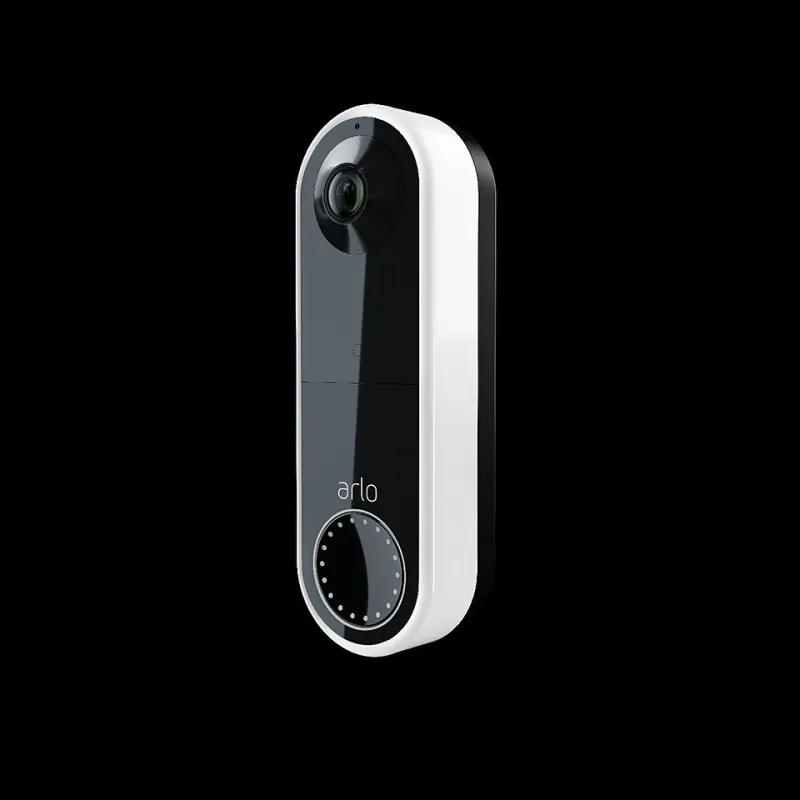
Video doorbells are the most common smart-home cameras. They can capture neighbours’ doors, public footpaths and passing traffic, so field-of-view matters. Use privacy zones to mask areas beyond your boundary, disable audio if it is not needed and check whether the device offers end-to-end encryption. Review the cloud retention period and shorten it where possible. If local storage is supported, prefer it. Change the default password, enable two-factor authentication and check who else has been invited to view the feed.
Living room
Smart televisions and streaming sticks are data collection devices as well as displays. Automatic content recognition can gather information about what is shown on screen, while voice assistants may retain recordings after activation. Look for advertising and viewing-data settings in the television menu and turn off personalised advertising where you can. Review the voice assistant’s recording history, delete old requests and disable follow-up listening if it is not useful. If your television has a microphone, check whether it can be muted physically.
Kitchen
Smart speakers and displays are often placed in kitchens because they are useful for timers, shopping lists and music. That also puts them at the centre of family conversation. Review microphone permissions, disable drop-in or calling features that allow remote access, and check which third-party skills are connected. A display with a camera deserves particular attention: use a physical shutter if one is fitted, and disable video calling when it is not needed.
Bedroom and nursery
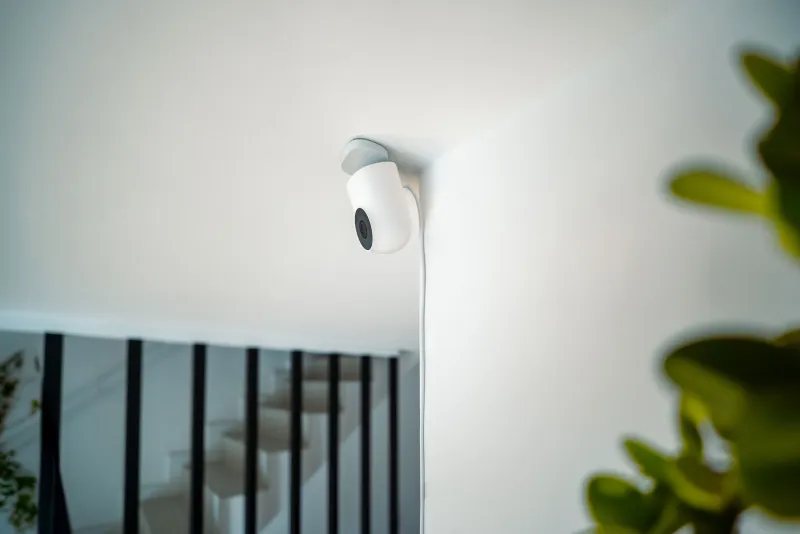
Baby monitors and bedroom cameras process some of the most sensitive footage in the home. Prefer a monitor that can operate locally without a cloud account, or one that offers encrypted local storage. If remote viewing is essential, use a strong unique password and two-factor authentication. Check the retention period for cloud clips and delete old footage. Place cameras carefully, and avoid pointing them at areas that could capture other family members or visitors unnecessarily. For Nursery Equipment, firmware updates matter; an unpatched monitor can be more risky than an old-fashioned audio-only device.
Home office
Webcams, smart speakers and printers often sit in the same room as work laptops and confidential documents. Use a physical cover on webcams when they are not in use. Keep work devices on a separate network or at least a separate guest network where possible. Review smart speaker placement so that it does not pick up client calls, and check whether the device’s manufacturer retains voice recordings. Printers and scanners can also store documents; clear their memory before disposal.
Robot vacuums and roaming devices
Robot vacuums can map a home with lidar or cameras, and many upload maps to a cloud account. Check whether the device supports local-only operation, disable cloud features if you do not need them and review map retention. The same caution applies to smart hubs, cameras and sensors that roam or sit in multiple rooms. A floor plan may not look sensitive, but it reveals the layout of a home and the routines of its occupants.
The network is the backstop
Even careful device settings cannot fix weak network design. Put smart devices on a separate guest Wi-Fi network or, if your router supports it, a dedicated IoT network that cannot reach laptops, phones or network storage. Disable universal plug and play where it is not needed, change default router credentials and keep firmware up to date. Keep an inventory of connected devices and remove anything you no longer use. A single vulnerable gadget should not be able to see the rest of the home.
A simple audit routine
Once a quarter, list every connected device, check its firmware, review its cloud settings and confirm who has access. Shorten retention periods, delete old recordings and revoke unused app permissions. If a manufacturer’s privacy notice is unclear, ask its data protection team how long it keeps footage and whether it shares data with third parties. UK GDPR rights still apply to the manufacturer’s processing, even when the household exemption covers your own domestic use.
The smart home does not have to be a surveillance system. It becomes one when cameras, microphones and sensors are installed without review. A room-by-room audit is not about rejecting convenience; it is about deciding which devices deserve to see and hear what happens at home.